Access |
  
|
Access |
|
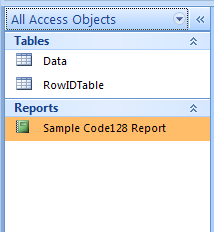
1.Open MW6_Code128.accdb, select "Sample Code128 Report".
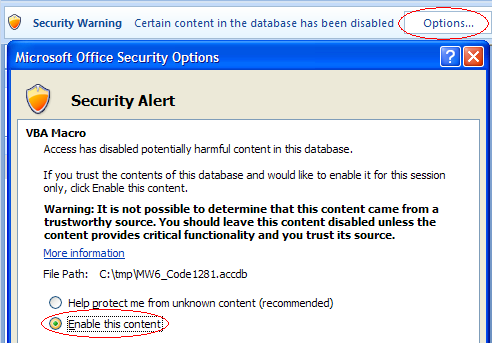
2.If you see "Security Warning, Certain content in the database has been disabled", click on "Options" to open up "Microsoft Office Security Options" dialog, toggle on "Enable this content" check box.
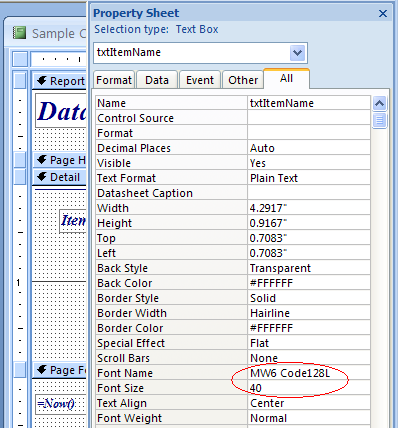
3.Click on "Design View", insert a Text Box into the report, change its font to one of MW6 Code128 fonts, choose an appropriate font size.
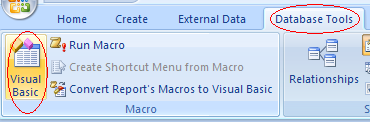
4.Click on "Database Tools", then click on "Visual Basic"
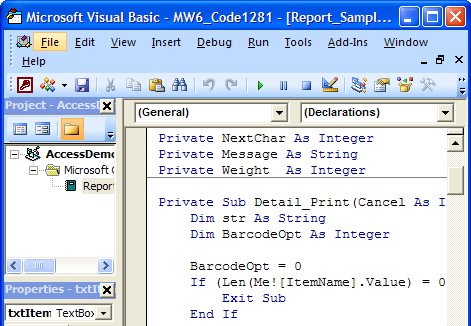
5.Convert a regular string to a barcode string in "Private Sub Detail_Print(Cancel As Integer, PrintCount As Integer)".
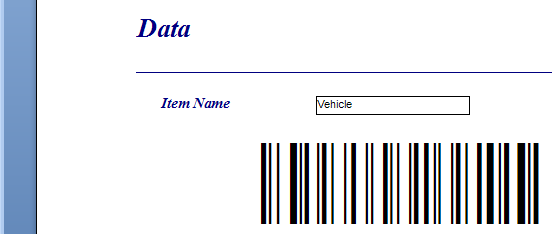
6.Click on "Preview" to view barcodes.