Access |
  
|
Access |
|
1.Open MW6_PDF417_ActiveX.mdb, select "Sample PDF417 ActiveX Report".
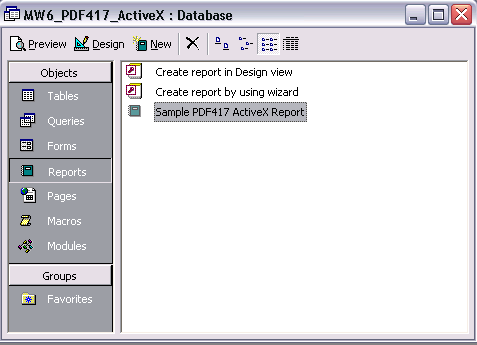
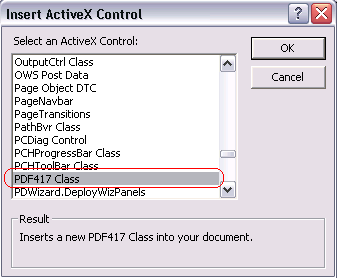
2.Click on "Design", insert a MW6 PDF417 ActiveX control into the report.
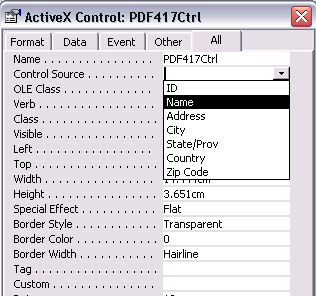
3.Change its properties to meet your application requirements, our PDF417 ActiveX supports the data binding so you can bind a field in a database to the control and generate PDF417 barcodes for each data record automatically, there's an arrow on the right side of the "Control Source" property, click on the arrow, a list opens with all fields, select the field you want for the control.
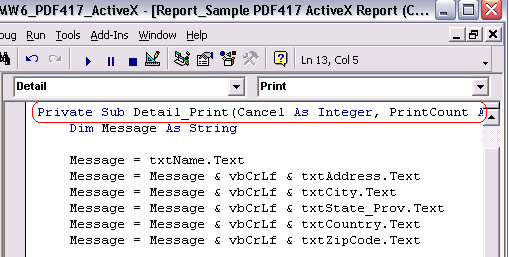
4.If you do not want to use the data binding feature, you can customize "Private Sub Detail_Print(Cancel As Integer, PrintCount As Integer)" to create PDF417 barcodes dynamically. If the string contains some Unicode texts (Japanese, Chinese, Korean, etc), use VBA code to apply the special treatments to those Unicode characters.
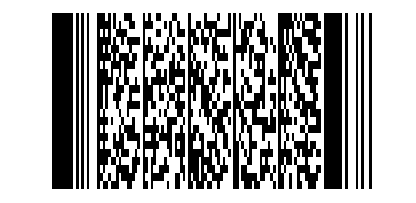
5.Click on "Preview" to view PDF417 barcodes.