Access |
  
|
Access |
|
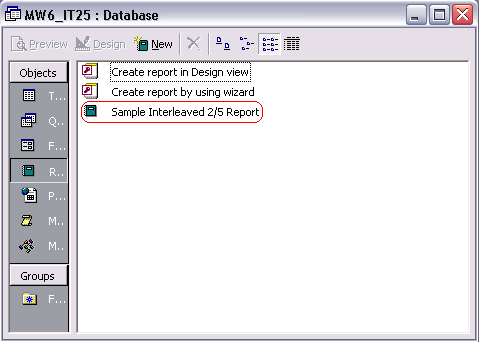
1. Open MW6_IT25.mdb, select "Sample Interleaved 2/5 Report".
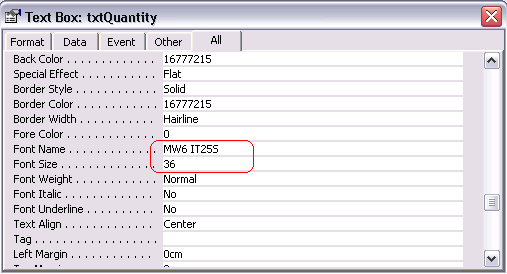
2. Click on "Design", insert a Text Box into the report, change its font to one of MW6 IT25 fonts, choose an appropriate font size.
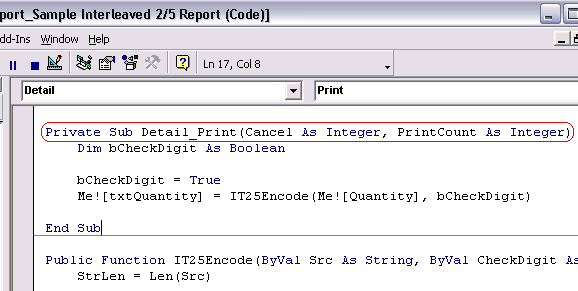
3. Convert a regular string to a barcode string in "Private Sub Detail_Print(Cancel As Integer, PrintCount As Integer)".
4. Click on "Preview" to view the barcodes.