Mail Merge |
  
|
Mail Merge |
|
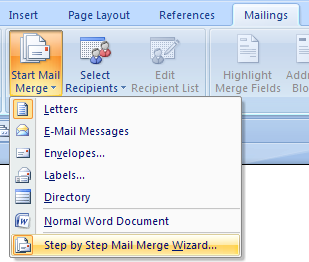
1.Create a mail merge using "Step by Step Mail Merge Wizard".
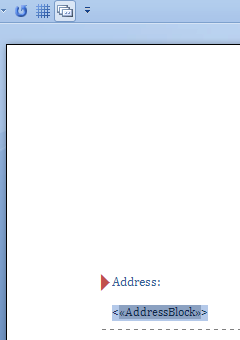
2.Surround the section which will be converted to MaxiCode barcode with the "<" and ">" characters and highlight it.
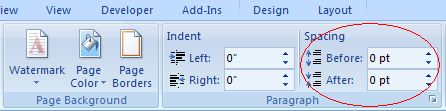
3.Click on "Page Layout", change Spacing "Before" and "After" to 0.
4.Click on "Next: Preview your letters", then click on "Next: Complete the merge".
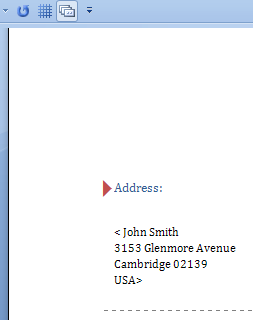
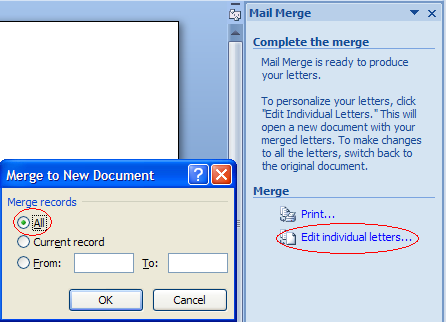
5.Click on "Edit individual letters", this opens "Merge to New Document" dialog, click on "All" and then click on "OK" button.
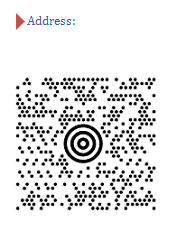
6.Click on "Add-Ins", then click on "Convert All" to create MaxiCode barcodes.
7.